AI Workflow AutomationServices Built AroundYour Business
Reduce repetitive work without losing oversight of the process.
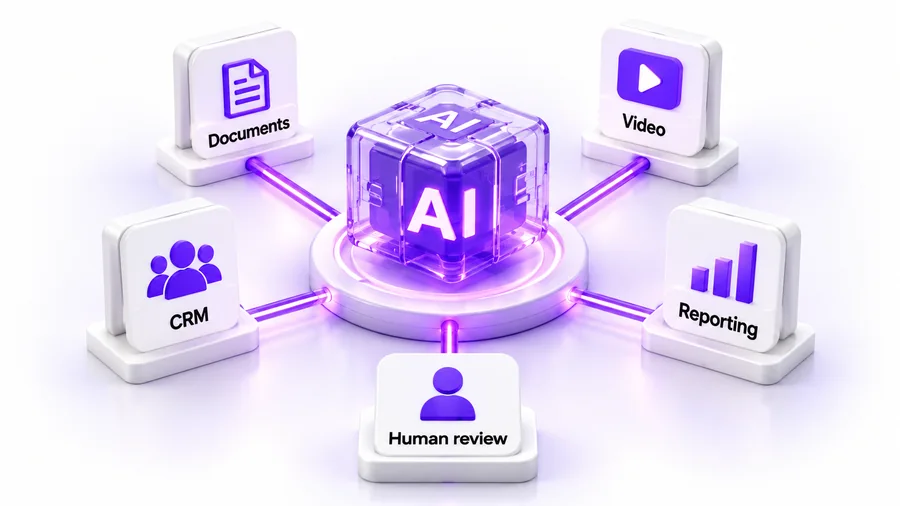
MTI Tech helps businesses organize AI-assisted workflows for documents, customer information, content production, reporting and recurring operations. We begin with the task and its users, identify where automation can help and define where a person must review or approve the result.
Documents→CRM→Back office→Knowledge→Content production
The short answer
What are AI workflow automation services?
01
Software integrations
Systems connected so information moves without re-entry.
+
02
AI-assisted tasks
Classification, extraction, summarization and drafting.
+
03
Controls
Clear inputs, validation, permissions, exception handling and ownership.
=
Result
A complete workflow
Useful because it reliably supports the process.
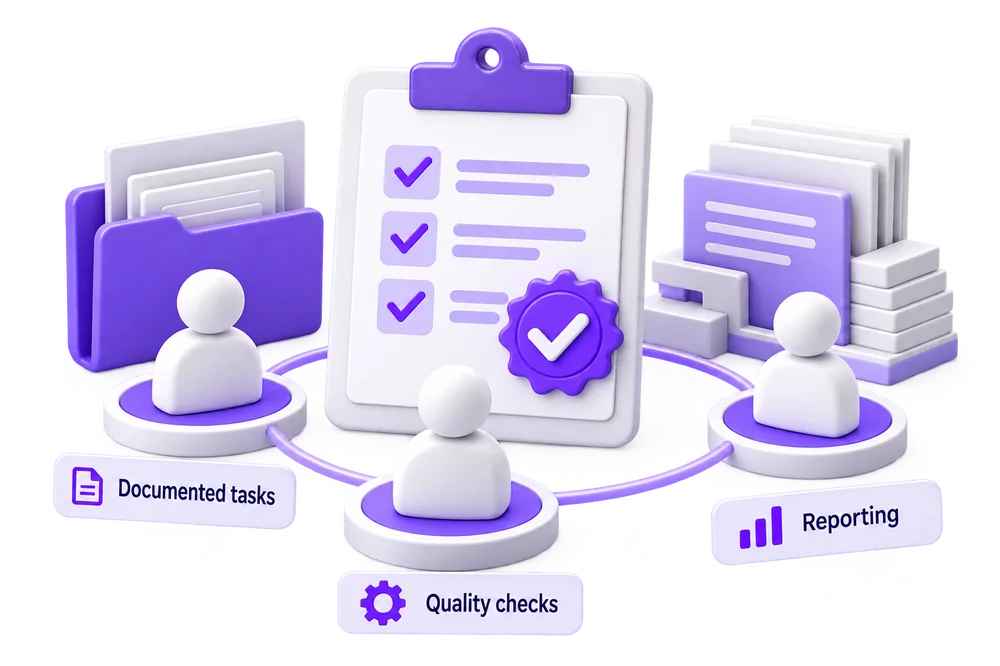
AI workflow automation combines software integrations with AI-assisted tasks such as classification, extraction, summarization and drafting. A complete workflow also needs clear inputs, validation, permissions, exception handling and ownership. Its usefulness depends on how reliably it supports the business process—not simply on whether it uses an AI model.
Where to begin
Start with a workflow you can describe
A good starting point has repeated inputs, a known destination and a responsible owner. Examples include routing incoming requests, preparing information for CRM updates, organizing documents for review or moving approved creative assets through production.
✓Repeated inputs
✓A known destination
✓A responsible owner
before_choosing_tools
Before choosing tools, we ask:
01What starts the task?
02What information does it need?
03How often does it run?
04What happens when an input is incomplete?
05Can the information be shared with the proposed systems?
06Which actions require approval?
Practical areas for automation
Where automation can help
Five practical areas
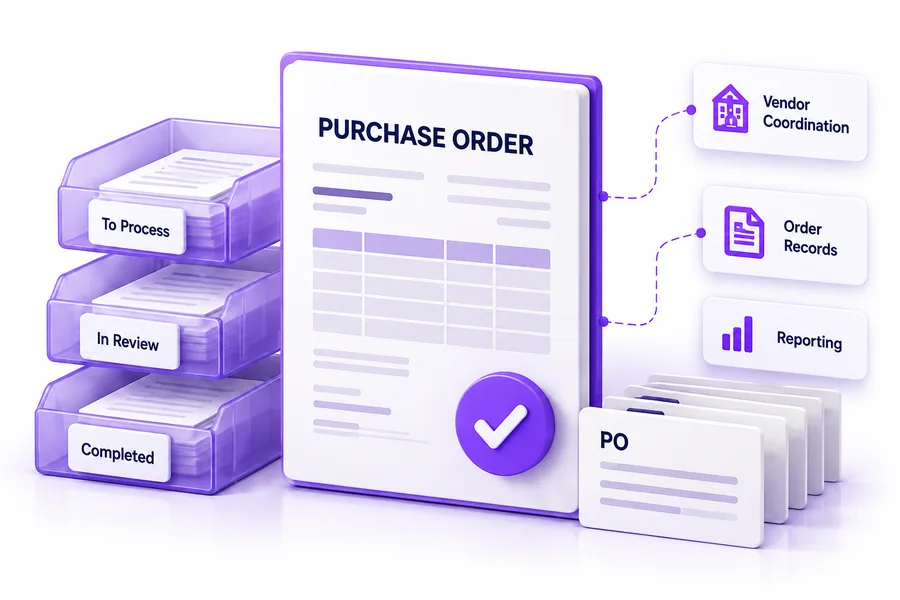
Document and record workflows
Organize incoming files, identify the information needed and prepare structured records for checking. Define the difference between extracted values and approved business records.
An incoming document arrives from an approved channel.
2
Identify
The workflow identifies its type and prepares relevant information.
3
Check
Required fields are checked against the business rules.
!
Flag
Missing, inconsistent or uncertain items are flagged.
✓
Human review
A responsible person reviews the result.
→
Destination
Approved information moves to the destination system.
This is an illustrative design, not a claim about a completed client implementation. The exact fields, checks and system actions depend on the agreed project. Payment, supplier changes and other consequential actions should not be inferred from a document alone.
What the project should deliver
Clear scope. A useful handover.
The scope should identify
The workflow map
Required connections
Review points
Exception process
Destination records
Depending on the engagement, delivery may include reusable prompts, operating instructions, test examples, training and a monitoring plan.
A useful handover explains
Who owns the accounts
Where configuration is maintained
How credentials are managed
How the team can pause the workflow
Ongoing support, vendor fees and changes after launch should be defined separately rather than assumed to be included forever.
Our delivery approach
Smallest useful workflow first.
01
Review
Document the current process, repeated work, available information and constraints.
02
Design
Choose the smallest useful workflow and agree on inputs, outputs, approval rules and acceptance criteria.
03
Prototype
Test representative examples, including difficult and incomplete inputs. Compare the result with a known human-reviewed answer or outcome.
04
Prepare for use
Confirm access, operating instructions, escalation and responsibility for monitoring. Resolve important failure cases before expanding access.
05
Improve deliberately
Review actual performance, cost and user feedback. Extend the workflow only when the evidence supports the next step.
Engagement options
Choose an engagement that fits your stage
Stage 1
Workflow assessment
Understand the process, opportunities and constraints before commissioning a build.
Stage 2
Focused implementation
Deliver an agreed workflow with defined testing and handover.
Stage 3
Ongoing improvement
Review performance and maintain the agreed workflow under a separately scoped support arrangement.
These are engagement structures, not published fixed-price packages. The quote should state the scope, responsibilities and recurring costs.
Measure the complete process
A faster first draft is not necessarily a faster completed process.
Include human review time in any time-saving calculation. Avoid a single unexplained “accuracy” percentage.
⏱
Handling time per completed case
↺
The amount of rework
👤
Proportion requiring human intervention
$
The cost of running the workflow
Customer communication
Answer usefulness, successful handoff and complaints.
Records
Required fields, exceptions and approved destination updates.
AI automation questions
Honest answers before you commit
Not for every task. Fixed rules may be the better choice when inputs and decisions are predictable. AI should be considered for tasks that need interpretation, and then tested against the simpler alternative.
The initial objective is to improve a defined process. Staffing decisions remain yours. Review and accountability should be designed rather than removed by assumption.
Data requirements should be reviewed before design. Redaction, restricted inputs and alternative deployment approaches can be considered where technically and contractually appropriate. No data-handling promise should be made before the architecture is agreed.
Timing depends on integration access, input quality, review requirements and test results. A proposal should state milestones and dependencies rather than give every business the same estimate.
Cost depends on the number of workflows, systems, document or message volumes, review interface, testing and support. Separate implementation fees from vendor usage and ongoing maintenance.
No. A sound workflow anticipates mistakes and unexpected inputs. Testing, validation, human approval and a way to stop the process matter as much as the AI output.
Start the conversation
Bring one workflow to the conversation.
Describe the task, current tools, approximate monthly volume and the problem you want to solve. Do not send passwords or confidential files through the initial inquiry form. We can discuss suitable next steps before reviewing sensitive material.